Ingest Files
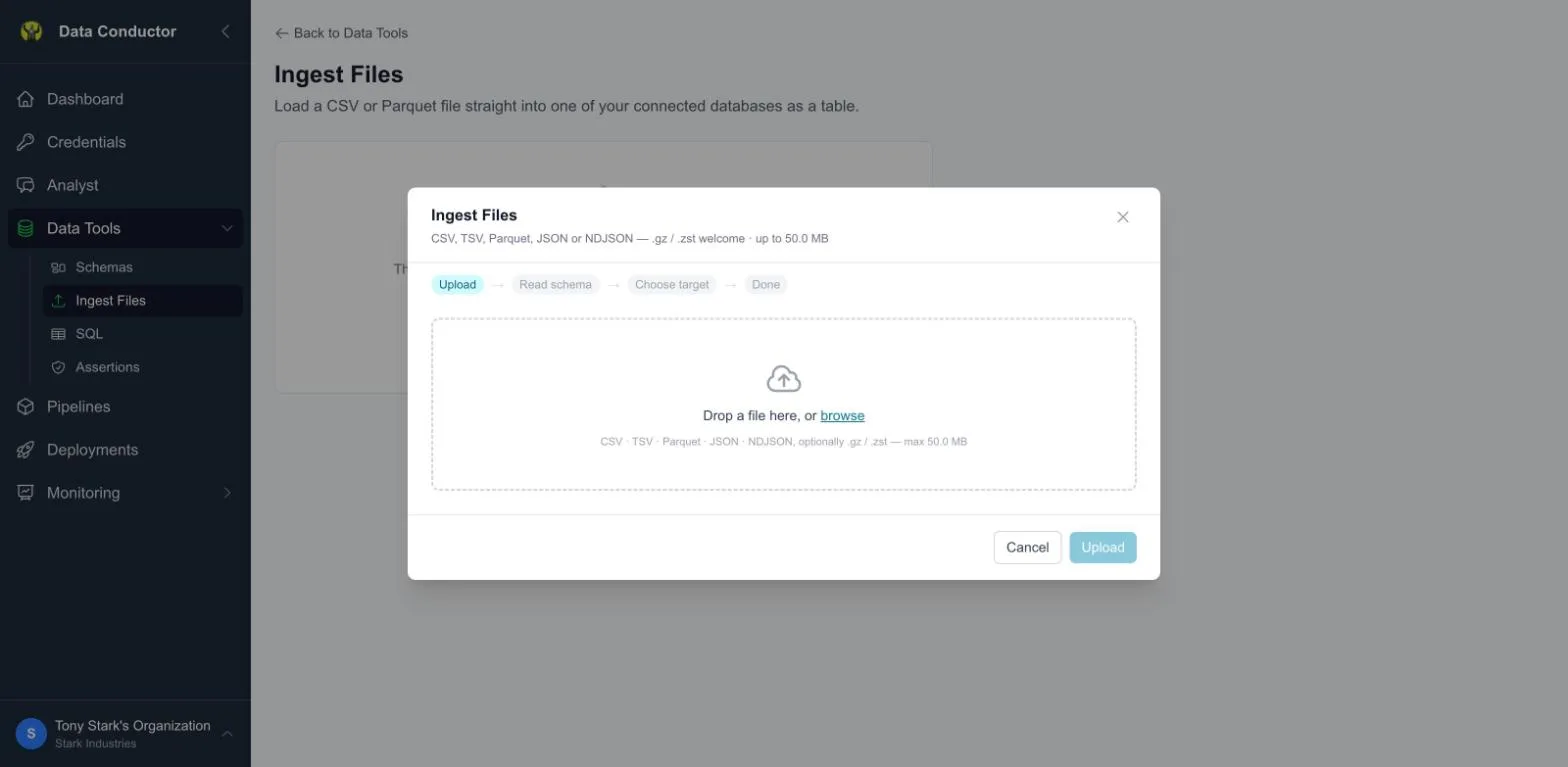
Upload a file and land it in your database — as a new table, or appended to an existing one. Built for reference data that changes rarely: lookup tables, mappings, a one-off list someone sent you as a spreadsheet export.
It is not a bulk-loading tool. For large or recurring loads, use a pipeline.
Starting
Data Tools → Tools ▾ → Ingest Files.
You need at least one database connection first — there'd be nowhere to put the data. The dialog says so if you don't have one.
Supported formats
| Format | Extensions |
|---|---|
| CSV / TSV | .csv, .tsv |
| Parquet | .parquet, .pq |
| JSON | .json |
| NDJSON | .ndjson, .jsonl |
Text formats may be gzip or zstd compressed (.csv.gz, .ndjson.zst).
Parquet is already compressed internally, so upload it as-is.
Limits: 50 MB per upload, 200,000 rows per load.
How it works
- Upload — the file goes directly to secure staging storage.
- Read schema — the columns and types are detected and a preview shown.
Files without a header row get columns named
column01,column02, and so on. - Choose target — a connection, then either a new table or an existing one.
- Load — rows land in your database.
New table vs existing table
New table infers the schema from the file and creates it for you. Give it a name and go.
Existing table shows a column mapper: each column in your file, matched against a column in the target. Data Conductor pre-fills matches where the names line up (ignoring case and underscores); you set the rest. Columns you leave unmapped are skipped, not guessed at.
Limits
Checked in the browser before anything uploads, so you find out immediately rather than after a wait:
| Limit | Value | What happens past it |
|---|---|---|
| File size | 50 MB | Rejected with the file's actual size named |
| Rows | 200,000 | Rejected before upload |
These are limits on this path, not on your data. Ingest exists for reference data that changes rarely — lookup tables, mappings, a spreadsheet export somebody sent you. A 2 GB extract belongs in object storage, loaded with a transfer, which is built for volume and meters against your plan.
Retention
Uploaded files are deleted from staging within 24 hours. The table they produced is yours and stays. The upload record is kept so you can see what was loaded and when.
Related
- Credentials — where files land
- Monitoring — transfer usage against your plan
- Moving data between sources — for a table in another database rather than a file you have